
Help › People and access
Signing in and your account
Passwords and codes, authenticator apps, Google and Apple sign-in, confirming it's you, signed-in devices, and Finder or Explorer access to files.
Ways to sign in
| Method | Second step | Notes |
|---|---|---|
| Email and password | A six-digit code by email, or from your authenticator app if you set one up. | The code works once and expires in 10 minutes. |
| None: Google has its own protection. | Your Google account's email must match your bananana.dev account. | |
| Apple | None. | Link your Apple ID from the iPhone app first. |
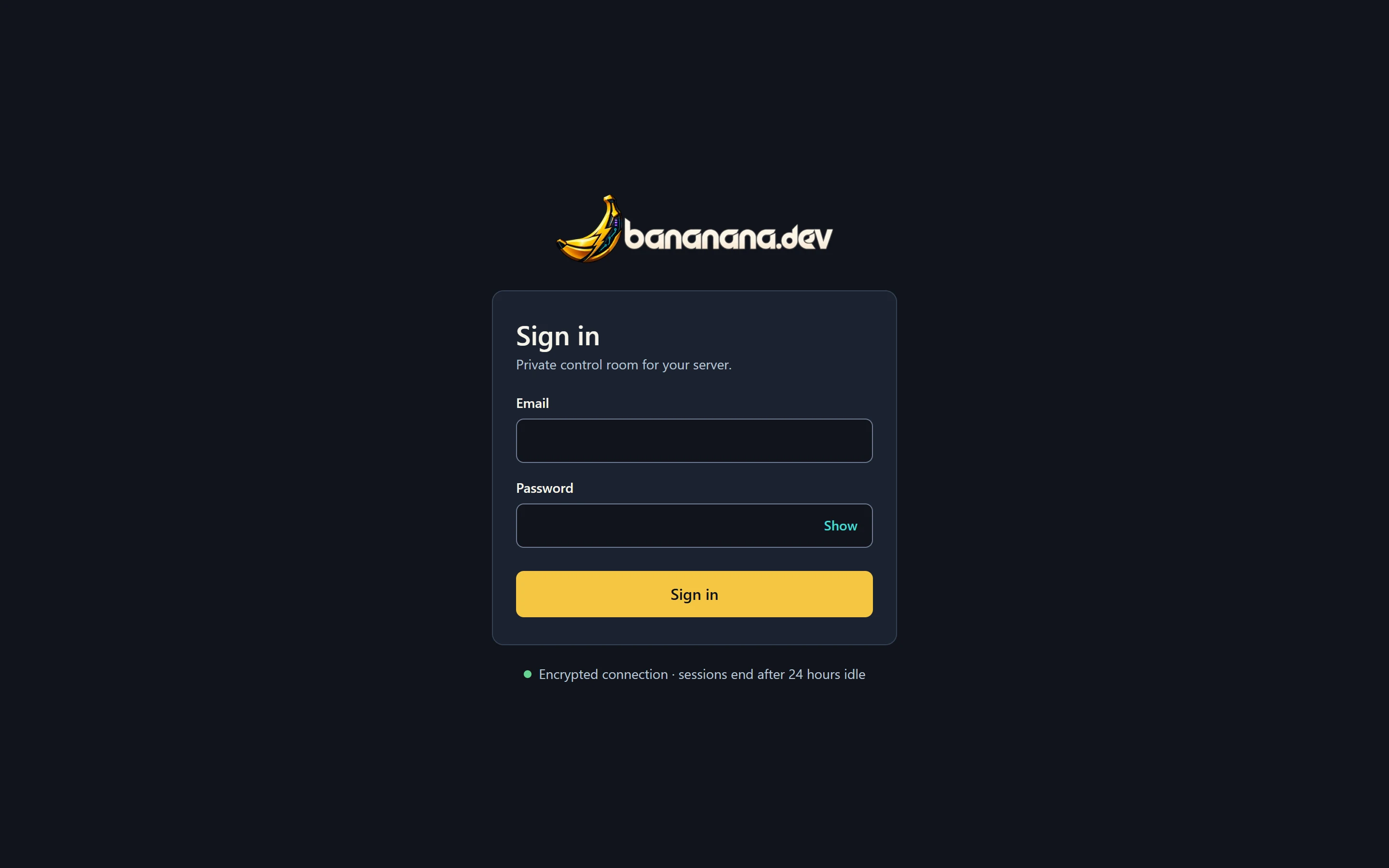
Too many wrong passwords from one place lock that address out for 15 minutes. Sessions end after 24 hours without use, or 7 days at most.
Settings
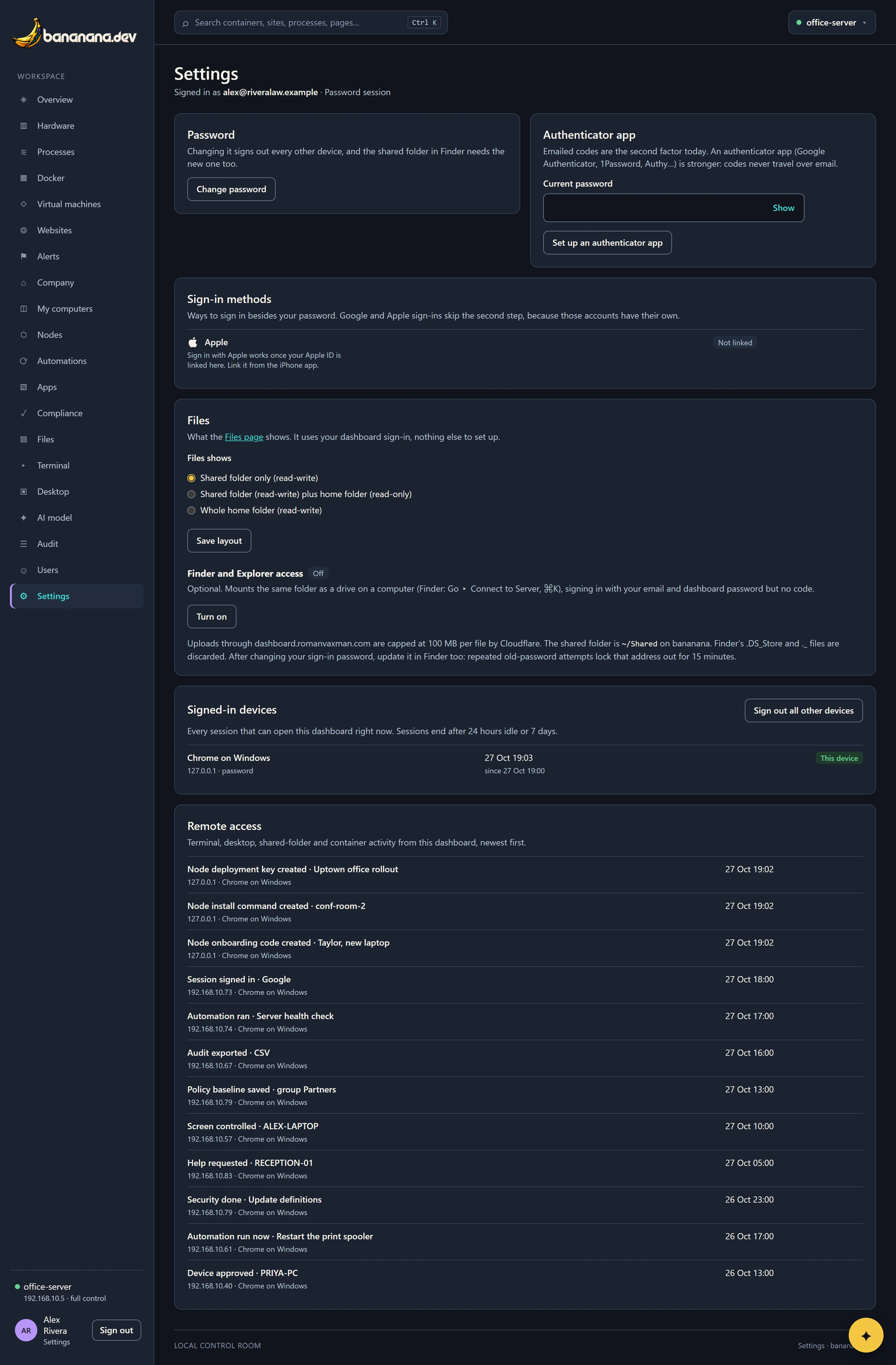
Click your name at the bottom of the menu to open Settings.
Change your password
Press Change password. bananana.dev refuses passwords that have appeared in known data breaches or are too easy to guess. Changing it signs out all your other devices.
Use an authenticator app
Stronger than emailed codes, because the code never travels by email. Under Authenticator app, enter your current password and press Set up an authenticator app, scan the QR code with Google Authenticator, 1Password, Authy or similar, and type the code it shows to confirm. From then on it asks for the app's code instead of emailing one.
Sign-in methods
Link or unlink Google and Apple sign-in.
Signed-in devices
Every browser and app signed in to your account, with its address, how it signed in, and when it was last used. Sign out ends one; Sign out all other devices ends every session but this one.
Remote access
Your recent terminal, screen, files and container activity, newest first.
Confirm it's you
Opening a terminal, controlling a screen, changing users and adding Defender exclusions ask you to sign in again (password and code) if you haven't in the last 15 minutes. It protects you if someone gets at a browser you left signed in.
Files and Finder access
Under Files, choose what the brain's Files page shows you: the shared folder only, the shared folder plus your home folder read-only, or your whole home folder.
Finder and Explorer access (optional) mounts the same folder as a drive on your computer: turn it on, then in Finder use Go › Connect to Server (⌘+K) or in File Explorer use "Map network drive", with the address shown, your email and your dashboard password. After you change your password, update it there too: repeated old-password attempts lock that address out for 15 minutes.